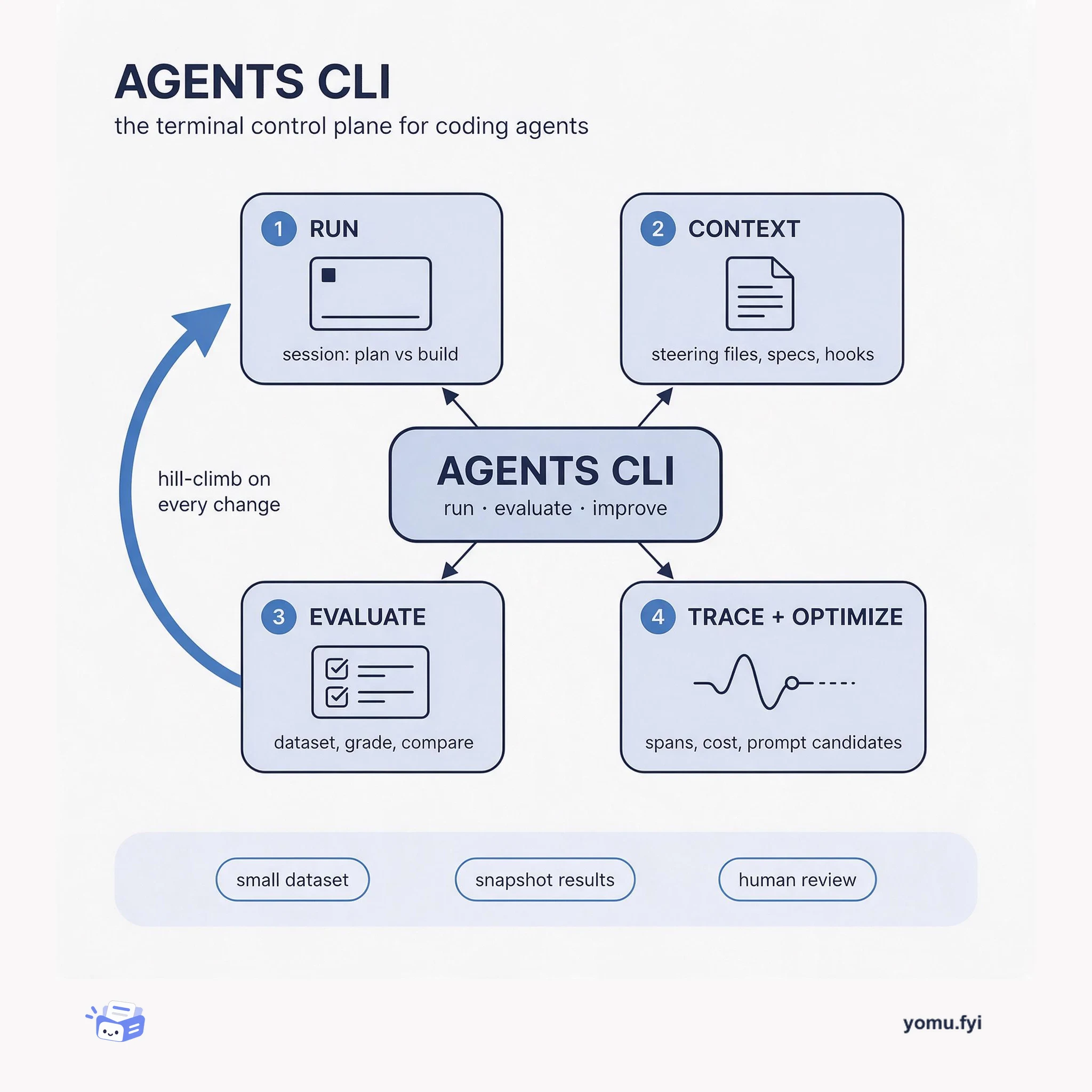
Agents CLI: The Terminal Control Plane for Coding Agents
Agents CLI is the command-line surface where you run a coding agent, score its output against a dataset, and trace what happened, so quality becomes a loop instead of a guess.
 AWSOmar GonzalezTutorial
Manually packaging SCORM courses for an LMS requires restructuring slides and editing manifests, pulling authors away from content development. Kiro, an agentic AI with an IDE and CLI, automates this conversion through a two-stage pipeline: course development and course build. The pipeline uses steering files for persistent context, specs for formalizing features, and hooks for automatic linting, building, and validating. In a test with a bundled sample course, Kiro produced an upload-ready SCORM 1.2 zip package in a few minutes after a single prompt. The entire pipeline is stored as version-controlled artifacts in the repository, making it reusable across courses and teams.
Manually producing a SCORM package for an LMS involves restructuring slides and hand-editing manifests, which distracts from developing course content. Kiro’s pipeline aims to automate that tedious process.
Kiro automates SCORM packaging through a six-step sequence (add source, plan, author, lint, build, validate) driven by steering, specs, and hooks. Authors place raw material in a courses/ folder and prompt Kiro to build the course, which generates a compliant SCORM 1.2 .zip file.
The Kiro pipeline automates the entire SCORM packaging workflow from planning to validation through a single conversation, eliminating manual manifest editing.
Pipeline logic is stored as version-controlled steering files, specs, and hooks, making it reusable across any course and team.
A single prompt ‘Build the sample course’ caused Kiro to follow the six-step sequence and produce an upload-ready SCORM 1.2 zip in a few minutes.
Place raw training material in a courses/<name> folder, then in the Kiro chat panel enter 'Plan and build a course from <name>'. Kiro will walk through planning, authoring, linting, building, and validating.
Kiro runs six steps: add source material, plan the course.yaml manifest, author lesson.md files per module, lint for structural issues, build the SCORM zip, and validate the package.
Kiro automatically validates the zip after build. You can also serve the built course locally using 'python3 -m http.server 8080' and preview it in a browser before uploading to your LMS.
Summaries are generated from the original by a language model. Check the original before relying on it.
See the idea
Agents CLI is the command-line surface where you run a coding agent, score its output against a dataset, and trace what happened, so quality becomes a loop instead of a guess.
Keep reading
The Good Stuff
Paid picks we use ourselves. Links carry a referral code — a subscription through one earns us a commission at no extra cost to you.
One useful email. Unsubscribe anytime.
