Air: The Session Layer That Makes Agent Work Reviewable
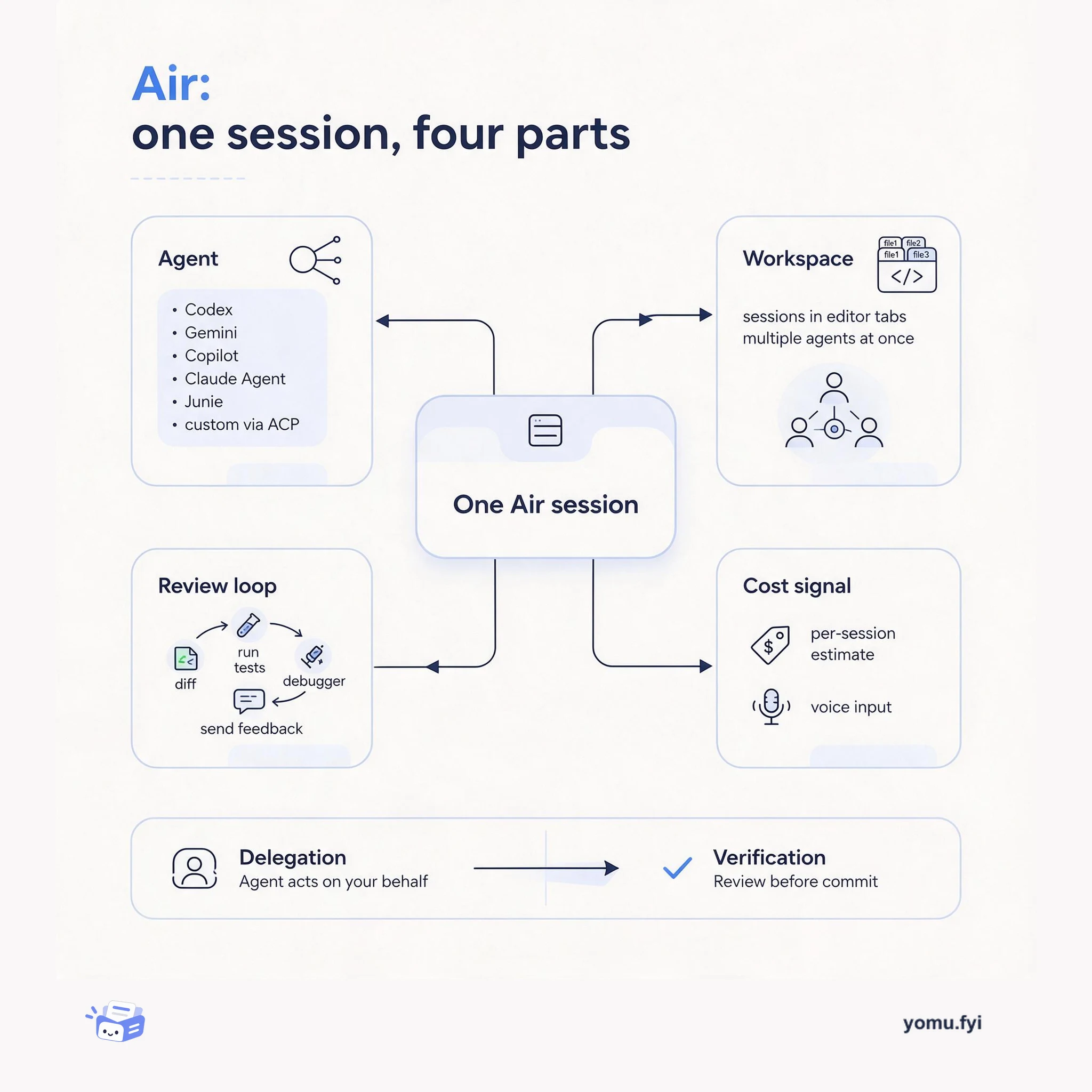
Air is a workspace layer that turns AI coding agents into inspectable sessions. This explainer maps its four parts: the agent, the session workspace, the review loop, and the cost signal.
Loading…
Topic
1 post about Air. Every summary links to the original.
See the idea
Air is a workspace layer that turns AI coding agents into inspectable sessions. This explainer maps its four parts: the agent, the session workspace, the review loop, and the cost signal.
The Good Stuff
Paid picks we use ourselves. Links carry a referral code — a subscription through one earns us a commission at no extra cost to you.
Newest first
JetBrains has introduced the Air plugin, which integrates AI coding agents directly into its IDEs. Air allows users to manage multiple agent sessions in one workspace, track their progress, and review code changes, supporting agents such as Codex, Gemini, GitHub Copilot, Claude Agent, and Junie, along with custom agents connected via the Agent Client Protocol. Users can install Air from JetBrains Marketplace or use the version built into the 2026.3 EAP; installation does not activate any agents or send project code to AI providers. Once a session is started, agent work appears in editor tabs, and users can leverage familiar JetBrains tools to inspect diffs, run tests, and send feedback back to the agent. Air also provides session-level cost estimates and voice input capabilities, helping users monitor agent usage and improve interaction efficiency, and supports trying Junie in Lite mode without a paid subscription.
The best engineering reads, once a week.