OpenSharing replaces file feeds by letting recipients read Delta tables incrementally without copying data; the data stays in the provider’s storage, retaining lineage and access control. The provider creates a share WITH HISTORY and, optionally, enables Change Data Feed, which becomes automatic in Databricks Runtime 19 or above for tables with row tracking enabled. The recipient mounts the share as a catalog and uses spark.readStream with Trigger.AvailableNow or a table update trigger to process only newly available data. A demonstration using commit history confirms the checkpoint tracks the last version read: a second run writes only 200 new rows instead of reprocessing the full 1200 rows. Operational advantages include a single governed source table instead of separate exports, backfills using historical table versions, and clear boundaries: the provider owns the shared data product, and the recipient owns downstream processing.
Context
Traditional file-based data sharing requires export jobs, custom tracking of what has been processed, and reconciliation for updates and deletes. OpenSharing offers an alternative using shared Delta tables with history, enabling incremental reads without copying data.
Approach / What changed
The provider creates a share WITH HISTORY and enables Change Data Feed (automatic in DBR >=19). The recipient mounts the share as a catalog and uses Structured Streaming (spark.readStream with Trigger.AvailableNow or table update trigger) to incrementally read changes. Checkpoint storage tracks progress. For Databricks-to-Open recipients without Spark, changes are pulled by version range.
Takeaways
1
OpenSharing uses Structured Streaming with checkpointing to incrementally read changes from a shared Delta table, so the recipient only processes new rows each run.
2
The provider must create the share WITH HISTORY to enable incremental reads; Change Data Feed (automatic in DB Runtime >=19) is needed if row-level inserts, updates, and deletes must be propagated.
3
Operational benefits include a single governed source table, backfills via historical versions, and a clear boundary where the provider owns the shared data product and the recipient owns downstream processing.
FAQ
Does the recipient need to be on Databricks to use OpenSharing?
No. Databricks-to-Open recipients connect using credentials and pull changes by version range without Spark streaming. OSS Spark users can use the delta-sharing connector for similar readStream code.
How does checkpointing prevent duplicate processing?
Spark records the last version read from the shared table in a checkpoint location. Subsequent runs read only changes after that version, so the same data is not reprocessed.
What is needed on the provider side to enable incremental sharing?
The provider must create a share WITH HISTORY. Additionally, enabling Change Data Feed on the source table allows propagation of upserts and deletes; in Databricks Runtime 19 or above, automatic Change Data Feed can compute row-level changes without the property.
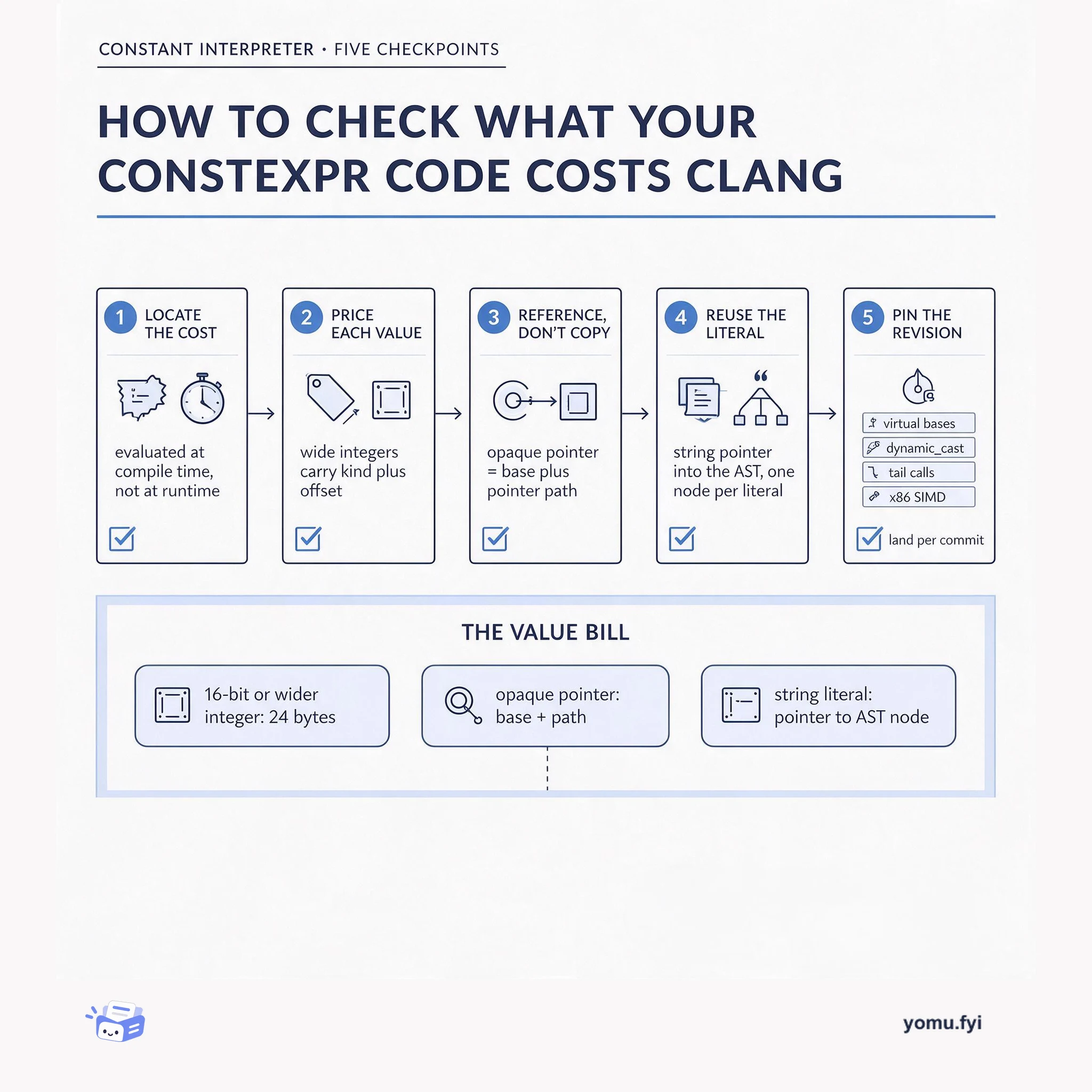
Clang's constant interpreter evaluates constant expressions at compile time, so the bill lands on your build, not your binary. This five-checkpoint guide shows where that memory goes and how to keep it small.
Keep reading
Related reading
The Good Stuff
Paid picks we use ourselves. Links carry a referral code — a subscription through one earns us a commission at no extra cost to you.