Langfuse is an open-source platform whose Observability plugin captures Cursor agent traces, including model calls, tool executions, and token usage, with each prompt creating a “Cursor Turn”. ClickHouse powers Langfuse v4 analytics with a wide observations table storing user, session, tags, and environment, avoiding joins for team-wide cost and latency aggregations. To set up, create a Langfuse project, install the plugin from the Cursor Marketplace, place API keys in a config file, and restart Cursor. Each trace contains LLM observations with conversation history, tool observations for Shell, Read, and MCP actions, nested subagent observations, and context compaction events, all grouped into sessions. Teams use dashboards to find expensive turns, create project rules, build datasets from real sessions, and apply evaluators (LLM-as-a-judge, human review) to compare cost and completion before deploying, with CI via a GitHub Action.
Approach / What changed
Install the Langfuse Observability plugin from the Cursor Marketplace, configure API keys in a config file, then use the resulting traces to inspect agent turns, build datasets from real sessions, and run evaluations to compare cost and completion before deploying changes. Optionally integrate the Langfuse skill to let Cursor search traces and set up offline evaluation.
Takeaways
1
The Langfuse Observability plugin captures Cursor agent traces including model calls, tool outputs, token usage, and nested subagent activity, grouping them into sessions by user email.
2
ClickHouse in Langfuse v4 stores observations in a wide table that includes user, session, tags, and environment with each observation, avoiding joins for efficient team-wide cost and latency aggregations.
3
The evaluation workflow uses dashboards to find expensive turns, creates project rules to reduce repeated failures, builds datasets from real sessions, and applies LLM-as-a-judge or human evaluators to compare cost and completion before shipping.
FAQ
How do I set up the Langfuse plugin in Cursor?
Create a Langfuse project, install Langfuse Observability from the Cursor Marketplace, place your public and secret keys in ~/.cursor/langfuse.json, and restart Cursor to start tracing.
How can I find and fix expensive Cursor turns?
Use the cost dashboard to see spend by developer and model, open expensive turns to inspect repeated file reads and failed shell commands, then create a project rule and build a dataset to evaluate the fix.
Can I automate evaluation in CI with Langfuse?
Yes, the langfuse/experiment-action GitHub Action fails a job when an evaluation score violates your threshold, integrating offline evaluation before merge.
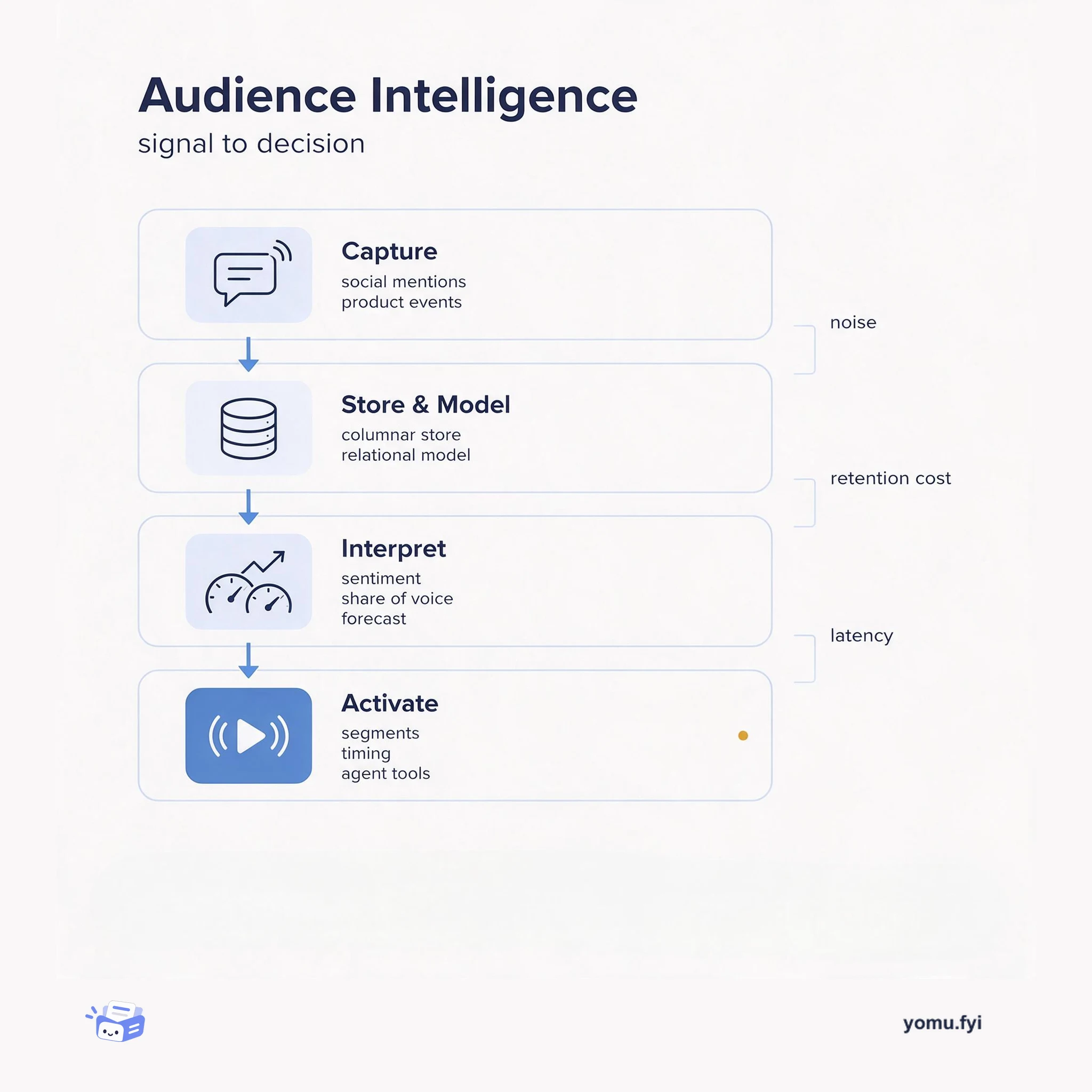
Audience Intelligence turns scattered social and behavioral signals into decisions about who to reach and when. This architecture map shows the four layers, what each owns, and where the trade-offs land.
Keep reading
Related reading
The Good Stuff
Paid picks we use ourselves. Links carry a referral code — a subscription through one earns us a commission at no extra cost to you.