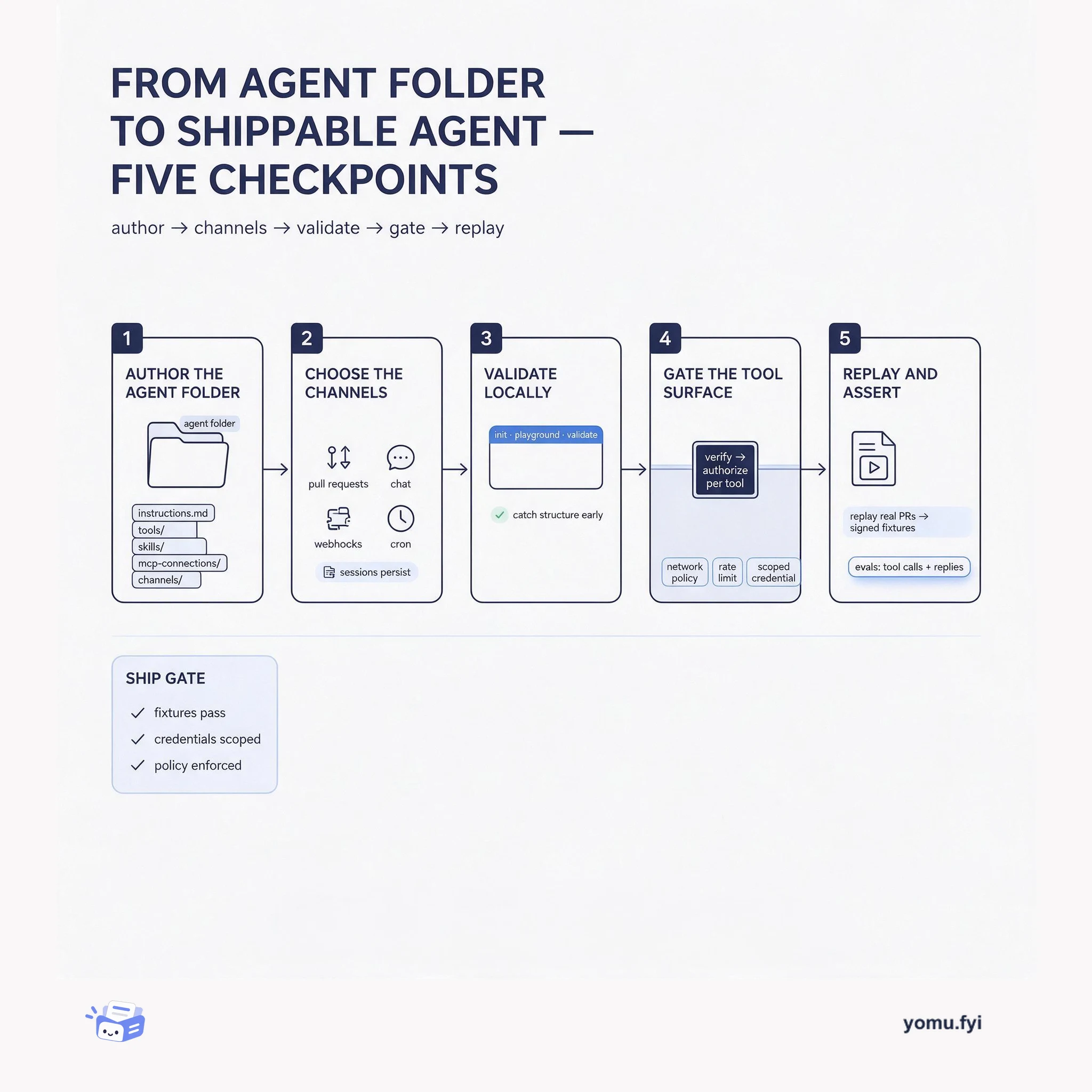
From Agent Folder to Shippable Agent: Five Checkpoints
An Agent SDK agent is a folder of instructions, tools, skills, and channels. This walkthrough follows five checkpoints from local validation to gateway-gated tool calls and replayable evals.
Loading…
Topic
1 post about Agent SDK. Every summary links to the original.
See the idea
An Agent SDK agent is a folder of instructions, tools, skills, and channels. This walkthrough follows five checkpoints from local validation to gateway-gated tool calls and replayable evals.
The Good Stuff
Paid picks we use ourselves. Links carry a referral code — a subscription through one earns us a commission at no extra cost to you.
Newest first
The Agent SDK is now generally available, letting developers define an agent as a folder of code using an instructions.md file as the prompt. The project structure includes tools/ for typed functions, skills/ for loadable procedures, mcp-connections/ for MCP server tools, and channels/ for message handling. The CLI provides commands for initialization, local development with a playground, validation, and deployment to Cursor or self-managed infrastructure. When deployed, secrets and integrations are managed from a dashboard while logs, evals, and the playground remain available, and agents can receive and respond to messages through GitHub, GitLab, Bitbucket, Slack, webhooks, and cron schedules with session persistence. Evals allow asserting on tool calls and replies, and the agent-sdk github replay command converts real pull requests into signed fixtures for offline testing.
The best engineering reads, once a week.